Use the Store panel first
The prices below were published on November 15, 2026 in a shop writeup that says they came from the Roblox store. The game-passes endpoint did not return a list while this page was written, so a mismatch means the Store wins.
| Listed product | Listed Robux price | Notes |
|---|---|---|
| +15% Speed | 49 | Cheapest listed pass |
| Auto Train | 64 | Paid training convenience |
| 2x Luck | 249 | Luck pass |
| 4x Luck | 499 | Luck pass |
| 8x Luck | 1,049 | Luck pass |
| 1 Infernal Spin | 32 | Spin product |
| 5 Infernal Spins | 120 | About 24 each at that bundle price |
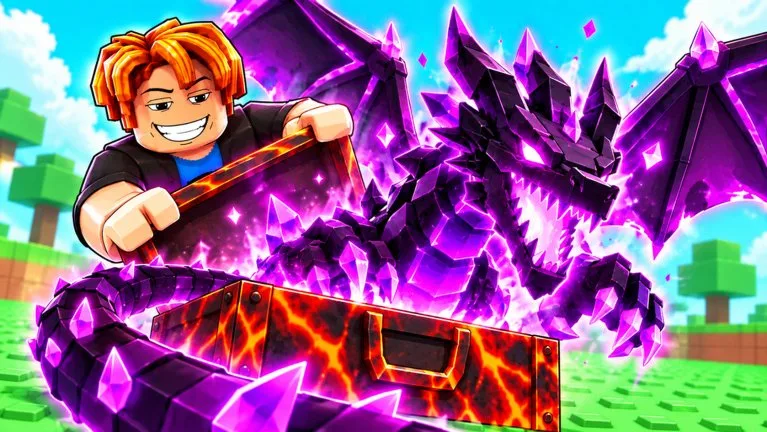
| 1 Black Hole Case | 480 | Also a Case name earned through play |
| 5 Black Hole Cases | 1,200 | About 240 each at that bundle price |
| Garuda | 4,999 | Named Animal; income not published |
| Cerberus Pet | 12,000 | Highest listed pet price; income not published |
Free alternatives exist for part of this list. Leg training does not require Auto Train. LuckyDuck and SEASON2 are the Luck-boost codes, with the duration caveat on LuckyDuck. LuckyW5 lists 10 Spins, and SEASON2 lists a Legendary Case, so a Robux Case is not the only way to get a high-tier open.
How to judge a Robux buy
- Redeem the active codes before you price a Luck pass or a Spin bundle. The free boosts and Spins may cover the next opening session.
- Compare a Luck pass with the route. A Luck multiplier does not fix a jump that cannot reach the Case you want.
- Treat +15% Speed as a small movement pass, not as Leg Power. The jump guide still wants Power first when distance is the wall.
- Read a Black Hole or Infernal purchase as a paid attempt, not as a known Animal. Their drop tables are unpublished.
- Garuda and Cerberus Pet are collection purchases. No pedestal rate is recorded for either one, so do not buy them as a proven income multiplier.
- Auto Train is optional convenience. The in-game training area still works without it.
Servers hold up to 6 players. A shop item is account progress, not a shared server buff, unless the item text says otherwise.
Codes inside the same Store
Code redemption described by November 2026 code pages sits in this Store, not in a separate top-left Codes-only button:
- Press Store on the left.
- Scroll to Codes.
- Enter the string exactly.
- Press Redeem.
If your client labels the box differently, use the code field that is actually on screen. Capitalization matters in the published lists: LuckyDuck, SEASON2, LuckyW5, and FreeGemsW4.